
Home > Shop > Science & Engineering Education > Lab Apparatus > Motorized Drawbridge • ME-7028
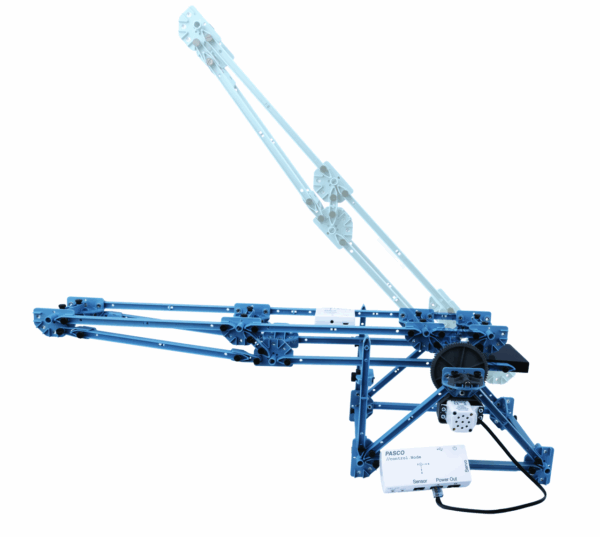

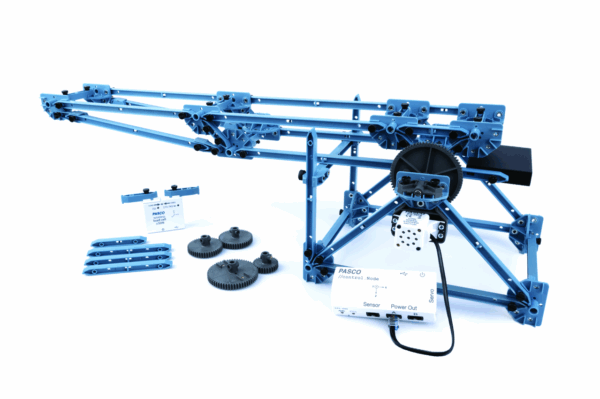
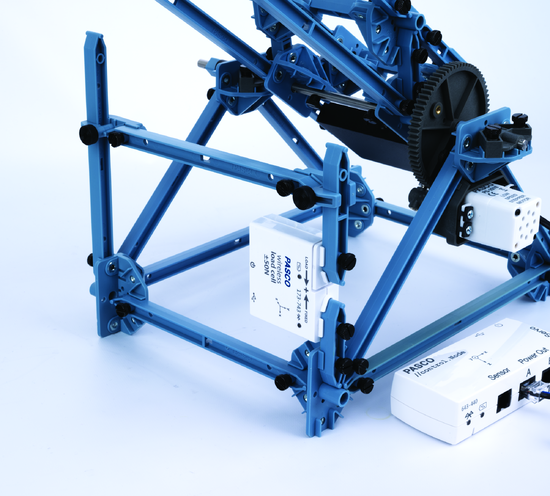

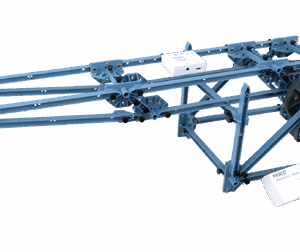


Motorized drawbridge built from PASCO Structures
What’s Included
- 1x //control.Node (PS-3232)
- 1x Wireless Load Cell and Accelerometer (PS-3216)
- 1x Low Speed Stepper Motor (PS-2978)
- 1x Motor Mount (Set of 2) (ME-7020)
- 1x Gear Set (ME-7021)
- 1x Structures Counterweight (ME-7037)
- 8x Structures I-beam #1
- 10x Structures I-beam #2
- 3x Structures I-beam #3
- 9x Structures I-beam #4
- 10x Structures I-beam #5
- 18x Structures Connectors
- 100x Structures 6-32 Screws
- 4x Angle Connectors
- 2x Sliding Connectors
- 1x Structures Long Axle
- 1x Shaft Spline Adapter
- 2x Structures Axle Bearings
- 1x Structures Spacer
- 1x Structures Collet
- 4x 4-40 x 1/2-inch Phillips Screws
- 1x Storage Box
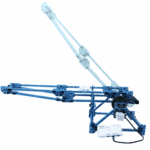
Motorized Drawbridge • ME-7028
We are GST registered in New Zealand and we charge in New Zealand Dollars. Foreign-based customers please email us or call our Australian or New Zealand numbers below and we can manually process the sale without New Zealand GST. For Australian customers we can also invoice in AUD and you can pay into our Australian bank account to minimise bank fees and complexities.
Please note that you may be assessed for your countries duties and taxes on import as per your local regulations.
- Description
Description
Build this drawbridge from PASCO Structures, add a stepper motor and gears, and write code to raise and lower it. This bridge kit also includes a Wireless Load Cell/Accelerometer to measure forces within the bridge while it moves.
Perform These Experiments
- Build the drawbridge
- Raise and lower the drawbridge
- Measure forces in top and bottom beams
- Measure support forces
- Effect of the counterweight on motor acceleration
- Effect of different gear ratios
- Use the load cell as a limit switch
- Operate the drawbridge in response to a signal
How It Works
- Students build the drawbridge using step-by-step illustrated instructions. Then they use Blockly coding (embedded in PASCO’s Capstone or SPARKvue software) to program the drawbridge to raise and lower.
- Three sets of gears allow students to investigate the effects of different gear ratios.
- The Load Cell can be added to various places in the bridge to measure loads while the bridge moves. The load is displayed on a graph in real time.
- The Load Cell can be used as a limit switch to stop the bridge movement when the bridge arm pushes on the load cell.
- The speaker in the //control.Node can be programmed to beep or play music to warn when the bridge is going to move.
- The accelerometer in the //control.Node can be used to control the drawbridge movement in response to a change in acceleration, such as simply turning the //control.Node upside-down.